
Quad hole filling and mesh cleanup in one Blender panel
The problem
You cut a hole with a Boolean and the cut edge is a ragged line of triangles and n-gons. You import an STL, an OBJ or a CAD export and half the surface is triangles. You delete a few faces on a scan and now there is a gap that Grid Fill refuses to close, because the loop has an odd number of edges. Blender has tools for each of these, but each one stops at a limit you only find by trying.
QuadFix is one panel that covers these cases. You select the mess, press a button, and read a short report of what changed. Every step is a normal Blender undo step.
What QuadFix does
The tools live in the QuadFix tab of the 3D viewport sidebar. All of them except Union work in Edit Mode.
- Fill Holes with Quads closes open holes and closed boundary loops with a quad grid that continues the mesh around it, instead of a triangle fan or one big flat face. Odd edge counts, irregular outlines and band-shaped gaps between two loops are handled. Use it for deleted faces, scan holes and ripped game models.
- Bridge to Quads joins two selected edge loops, or two open edge chains, with a strip of quads, even when they have different numbers of edges (up to 4 to 1). Use it where Blender's Bridge Edge Loops leaves triangles or a twisted strip.
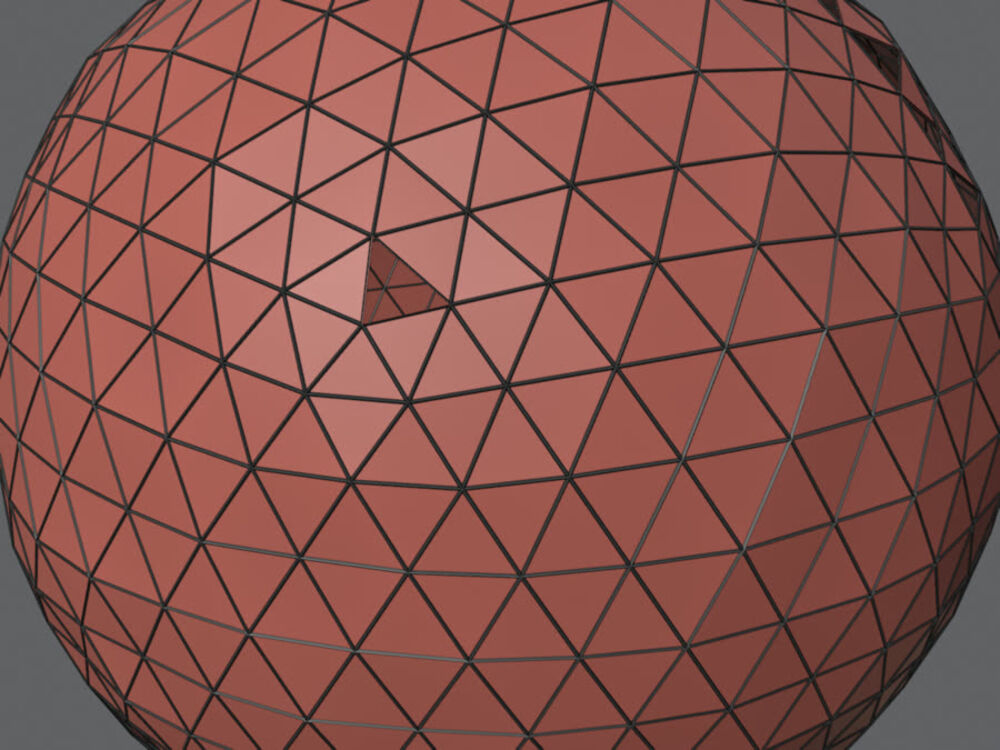
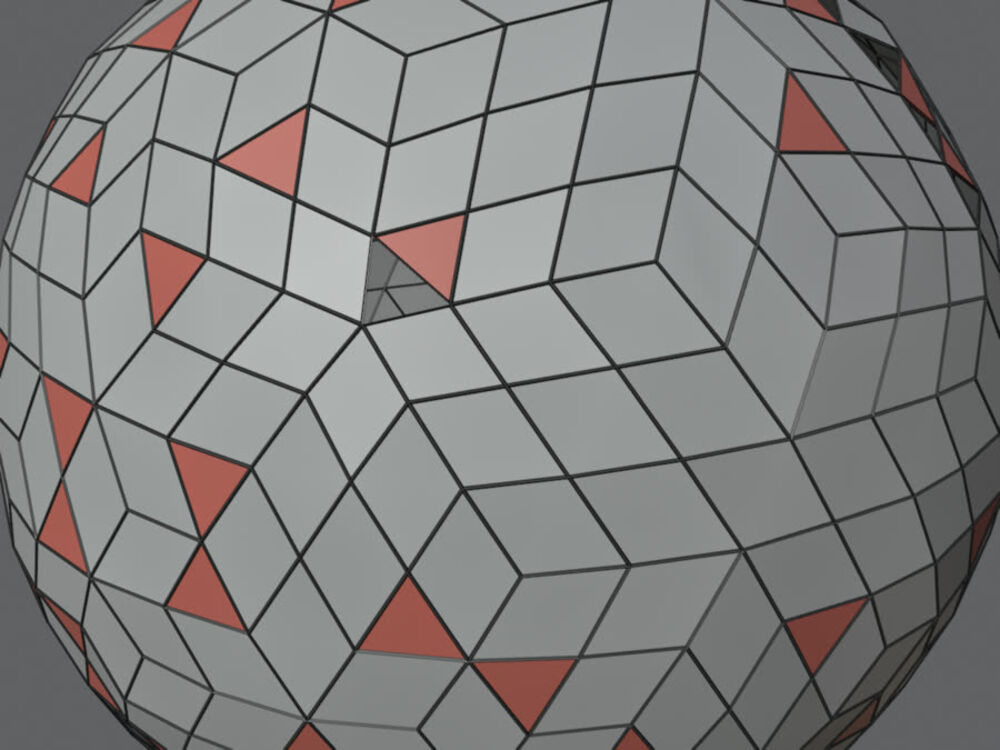
- N-gons to Quads triangulates curved n-gons and joins triangles into quads with adjustable angles. Flat n-gons stay as they are by default, so clean CAD faces are not touched.
- Clean & Quad (Boolean Prep) merges doubles, removes degenerate and loose geometry, dissolves leftover junk with a limited dissolve, joins triangles into quads and recalculates normals. Use it right after a Boolean or an import.
- Select Non-Quads & Holes selects every triangle, n-gon and open boundary edge and prints the counts, so you see what is left to fix.
- Union to Quads runs an exact Boolean union of two or more mesh objects and rebuilds the seam as a strip of quads. The originals are hidden, not deleted. This one works in Object Mode.
Every option is described in the panel reference. Step-by-step recipes are in the workflows page.
What it does not do
QuadFix repairs the mesh you have. It is not an auto-retopology tool and it does not rebuild edge flow.
- Very irregular scans keep some triangles. The result line in the panel tells you how many remain.
- Fill Holes skips the outer border of a flat open sheet, such as a plane or a terrain, and skips holes that are only partly selected.
- Bridge to Quads refuses edge counts further apart than 4 to 1, loops that touch themselves, and selections with more than two loops or chains. Instead of guessing, it stops, selects the problem edges and leaves the mesh unchanged.
- Union to Quads needs closed meshes that overlap. It does not generate UVs for the new strip. A seam that runs through a hole in your input stays a plain Boolean, and the report says how many seams were left that way. Strips on dense meshes with very different densities on the two sides are all quads but can zig-zag.
The troubleshooting page lists the messages you can see and what to do about each.
Requirements
Blender 4.2 or newer. Tested on Blender 4.2, 4.5 and 5.2. The add-on is a Blender extension, installed from a .zip file, and it needs no internet connection and no extra libraries. See how to install QuadFix. The licence is GPL-3.0-or-later.
Guides
- Fill a hole with quads: the manual way first, then the one-click way.
- Convert n-gons to quads and decide which n-gons to leave alone.
- Clean up an imported STL before you sculpt, UV or print it.
Free QuadFix Lite
QuadFix Lite is a free, open-source cut of the add-on, available on GitHub. It has three tools: N-gons to Quads, Clean & Quad and Select Non-Quads & Holes, with the same options as the full version. It does not have Fill Holes with Quads, Bridge to Quads or Union to Quads, and it has no Match Triangle Meshes option. Its sidebar tab is called QuadFix Lite, so it can sit next to the full version. A side-by-side table is on the install page.
How to buy
QuadFix costs $12. You can get it on Gumroad or on Superhive. Both give you the same .zip. Free updates are included for the 1.x line. Questions go to [email protected]. Built and tested by Pavel at Mendbox Studio (about).
After purchase, follow the install steps, then open the documentation overview. The changelog lists every version.