
Blender add-ons
Which add-on fixes your problem
Mendbox Studio makes three paid Blender add-ons ($12, $12, $22), each with a free Lite on GitHub. I build one add-on per complaint, so start from what is going wrong in your file. Every row links to the product page, the docs and the guide that shows the manual method first.
| Your problem, in your words | Add-on | What it does | Price | Free Lite | Read more |
|---|---|---|---|---|---|
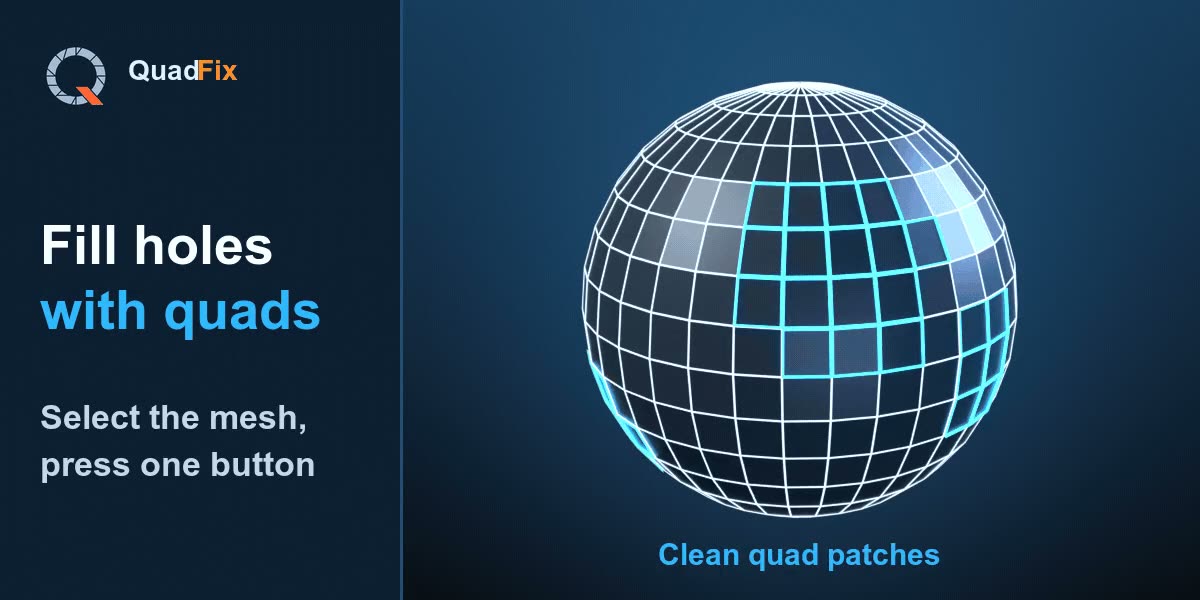
| "My hole fills with a triangle fan or one big n-gon" | QuadFix | Fills holes with a quad grid that continues the mesh | $12 | Yes: n-gons to quads, cleanup, find non-quads | Product, docs, guide |
| "My mesh is a mess after a Boolean or an STL import" | QuadFix | Merges doubles, removes junk, joins triangles into quads | $12 | Yes, Clean & Quad is in Lite | Product, workflows, guide |
| "I need n-gons or scan triangles as quads" | QuadFix | Converts curved n-gons and triangles, leaves flat CAD faces alone | $12 | Yes | Product, panel, guide |
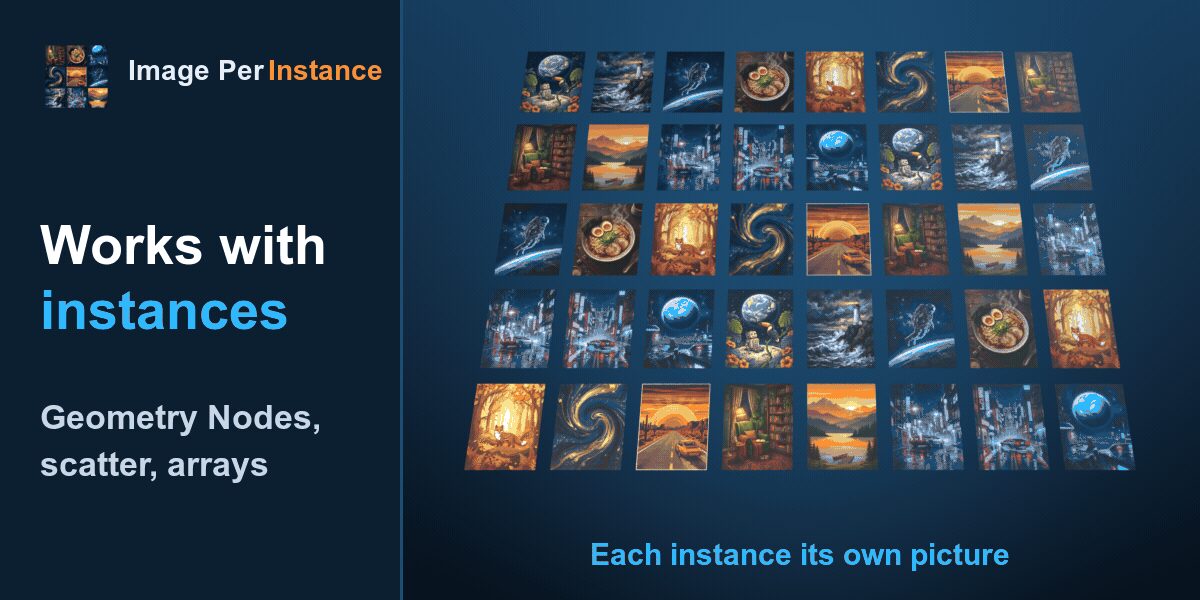
| "Every frame, card or book cover needs its own image" | Image Per Instance | One atlas and one material, a different picture per object or instance | $12 | Yes: separate objects, up to 20 images | Product, docs, guide |
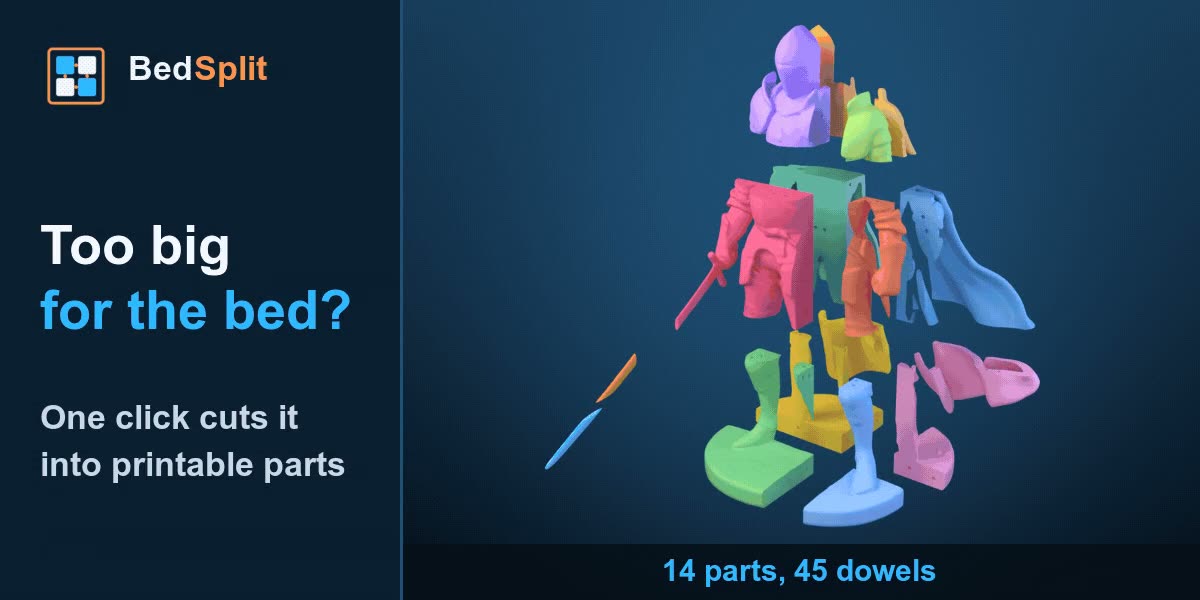
| "My model is bigger than my printer bed" | BedSplit | Cuts to the bed, adds dowel sockets, repairs the mesh, exports one STL per part | $22 | Yes: flat cuts and STL export | Product, docs, guide |
Pick by situation
- Modelling cleanup, quads and retopology leftovers. Start with QuadFix. It repairs the mesh you already have and does not rebuild edge flow.
- Booleans. Clean & Quad tidies the result of a Boolean, and Union to Quads merges overlapping closed objects with a quad seam.
- Imported or scanned meshes, including AI-generated ones. Run the STL cleanup guide first, then QuadFix.
- Geometry Nodes scatter and arrays. Image Per Instance handles Instance on Points, the Array modifier and collection instances.
- Photo walls, card decks, book shelves. See the photo wall recipe.
- Printing a model larger than the bed. BedSplit, with the manual method if you would rather do it by hand.
Mesh cleanup and quad fills: QuadFix
QuadFix is for modellers who get meshes from somewhere else, or break them with Booleans. Typical Blender situations from the workflows: closing a deleted-face hole, bridging two loops with different edge counts, cleaning a cube after a Boolean cut, turning a triangulated scan into quads, and merging a sphere and a cylinder with a clean seam.
By hand, the hole-fill alone means choosing between F, Alt+F, Grid Fill, Bridge Edge Loops and poke-and-inset, and each stops at a limit the fill guide lists. QuadFix replaces that choice with one button and a result line.
What it does not do:
- It is not auto-retopology. Very irregular scans keep some triangles, and the panel counts them. See triangles that remain.
- It skips holes that are only partly selected. See skipped holes.
When you need a different tool. If you want a whole model rebuilt as quads, QuadFix is the wrong tool. Use Blender's built-in QuadriFlow Remesh instead. In the n-gons guide I tested it on a UV sphere and it returned only quads, but it ignores your existing topology and gives you a new mesh, so your loops and UV layout are gone.
Lite or full. The free QuadFix Lite has three tools: N-gons to Quads, Clean & Quad and Select Non-Quads & Holes. The full version adds Fill Holes with Quads, Bridge to Quads and Union to Quads. If your problem is leftover triangles and Boolean junk, try Lite first. If it is holes or seams, you need the full version.
Price and where to buy. $12 on Gumroad or Superhive, with free updates for the 1.x line. The changelog lists every version. Docs: panel reference, troubleshooting. Guides: n-gons to quads and cleaning an imported STL.
Per-object images: Image Per Instance
This one is for a material that can only show one picture when you need many. The docs cover separate objects, Instance on Points, the Array modifier, collection instances, specific images on specific objects, changing the images later and animating through them.
The manual routes, compared in the guide, are one material per image, an atlas with a UV offset per object, UDIM tiles and an image sequence. The add-on is the atlas route with the nodes and the per-instance index built for you. The images are always in natural file order, so Image Number 3 is the third file.
What it does not do:
- One atlas per .blend file, at most 16384 px per side. 256 images at 1024 px fill that atlas exactly, and 257 do not. See the atlas limit.
- The image goes on material slot 1 only, and it is not a UDIM or texture painting replacement.
Lite or full. Lite is free and open source. It builds the atlas and puts a different image on separate objects, up to 20 images. Instances and arrays, Shuffle, fit modes, assign by name, alpha and emission, mapping without UVs, animation and random variation are full version only. So Lite covers a small wall of frames, and anything scattered needs the full version. For arrays, build one frame or card with a UV map, scatter or array it with Geometry Nodes, then press Add To Instances on the host. If you built the frame from Boolean parts, run QuadFix on it first.
Price and where to buy. $12 on Gumroad or Superhive.
3D printing large models: BedSplit
BedSplit is for printing figures, helmets, terrain and AI-generated models that do not fit. Blender situations from the workflows: a 600 mm statue on a 220 mm bed, choosing which cuts to keep away from a face or a thin blade, dowel settings, mesh repair and the STL export.
Done by hand, you place planes, run Booleans, close the cut faces, model pin sockets and lay every piece flat, as the manual guide shows. BedSplit does that whole chain from one button and shows each part's size with a check mark. A 600 mm statue on a 220 mm Ender 3-class bed needs three slabs on the tall axis, and I checked the exported parts in PrusaSlicer.
What it does not do:
- Cuts are flat and axis-aligned. See parts larger than the bed.
- It stops at 64 parts, which usually means the scale is wrong. See the scale message.
Lite or full. BedSplit Lite has the printer presets, Resize for print, flat cuts into closed parts, parts laid flat and per-part STL export. It has no dowels, no mesh repair and no movable cut planes. If the model is watertight and you plan to glue the parts, start with Lite.
Price and where to buy. $22 on Gumroad.
Using QuadFix with BedSplit
Fix the surface of a scan or AI mesh with the STL cleanup guide and QuadFix, then send the object to BedSplit. BedSplit repairs holes and flipped normals itself, so QuadFix matters when you want a tidy quad mesh to keep editing. It is not a required step before printing.
Compatibility and installation
All three are Blender extensions for Blender 4.2 and newer, installed from a zip with Install from Disk, without unzipping it. I test all three on Blender 4.2, 4.5 and 5.2. None needs internet or extra software. Each adds a tab to the 3D viewport sidebar, which you open with N.
- Install QuadFix: tab in Object and Edit Mode, mesh tools in Edit Mode, Union in Object Mode.
- Install Image Per Instance: tab named Image Per Instance.
- Install BedSplit: the panels show in Object Mode only.
Buying, licence, updates and support
QuadFix and Image Per Instance are sold on Gumroad and Superhive, and BedSplit on Gumroad. The add-on code is licensed GPL 3 or later, in line with Blender, as the Terms say. Docs and artwork are not covered by it. Updates and support are best effort, and the product pages say which Blender versions each one targets. Write to [email protected] or use the contact page. Refunds go through the store where you bought. Lite versions are on GitHub.
How I choose what to build
I am Pavel, and I run Mendbox Studio alone. I read marketplace reviews and community threads until the same complaint keeps coming back, then build one tool for that one job. More about how it works is on the about page. Next in the works is AI Asset Maker, which turns AI-generated meshes into game assets. It has no release date and no price yet.
Questions people ask
Do these work in Blender 5?
Yes. I test all three on Blender 5.2 as well as 4.2 and 4.5. For other versions the Terms say I cannot promise compatibility.
Is there a free version?
Yes, each add-on has a free open-source Lite on GitHub. The tables above and the install pages show what each Lite leaves out.
Which add-on do I need for 3D printing?
BedSplit, if the model is larger than your bed. Its Lite handles watertight models with flat cuts.
Can I use them commercially?
The add-on code is GPL 3 or later, and the GPL lets you run it for any purpose, including paid work. Artwork, branding and docs stay ours (Terms, section 4).
Where do I ask for help?
Email [email protected] or use the contact page.