
Free Blender add-ons

How to install a free version
Every free version is a Blender extension for Blender 4.2 and newer. Download the .zip file (on Gumroad enter $0 and your e-mail; on GitHub open the latest release and take the .zip under Assets), then in Blender go to Edit > Preferences > Get Extensions, open the menu in the top right corner and choose Install from Disk. Do not unzip the file. The add-on appears as a tab in the sidebar of the 3D viewport, which you open with N.
What is the difference from the full version?
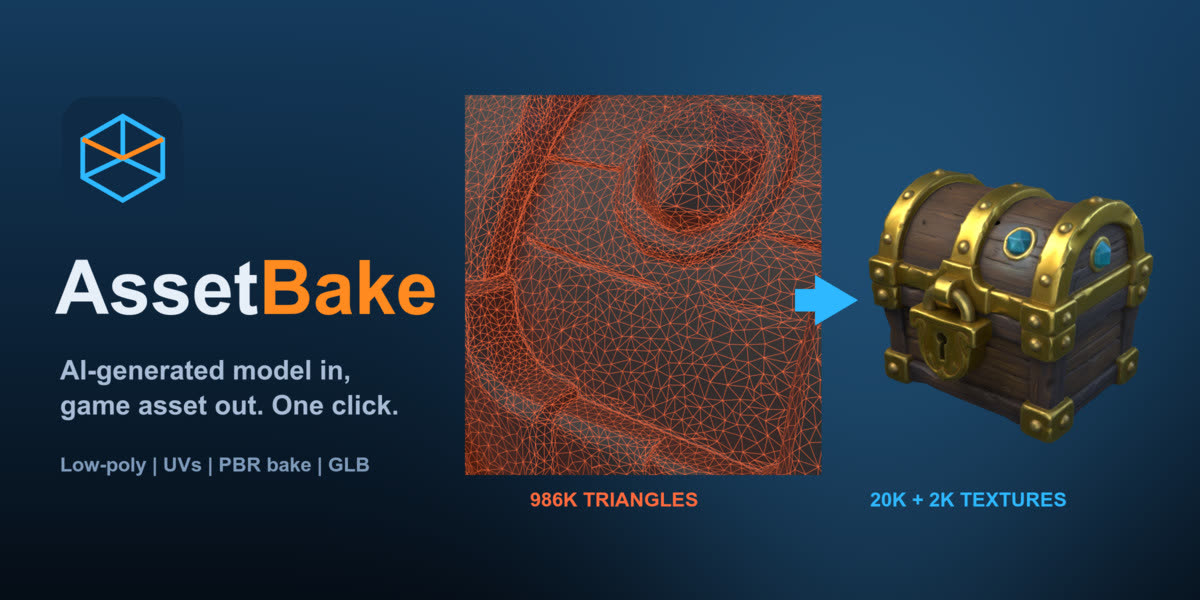
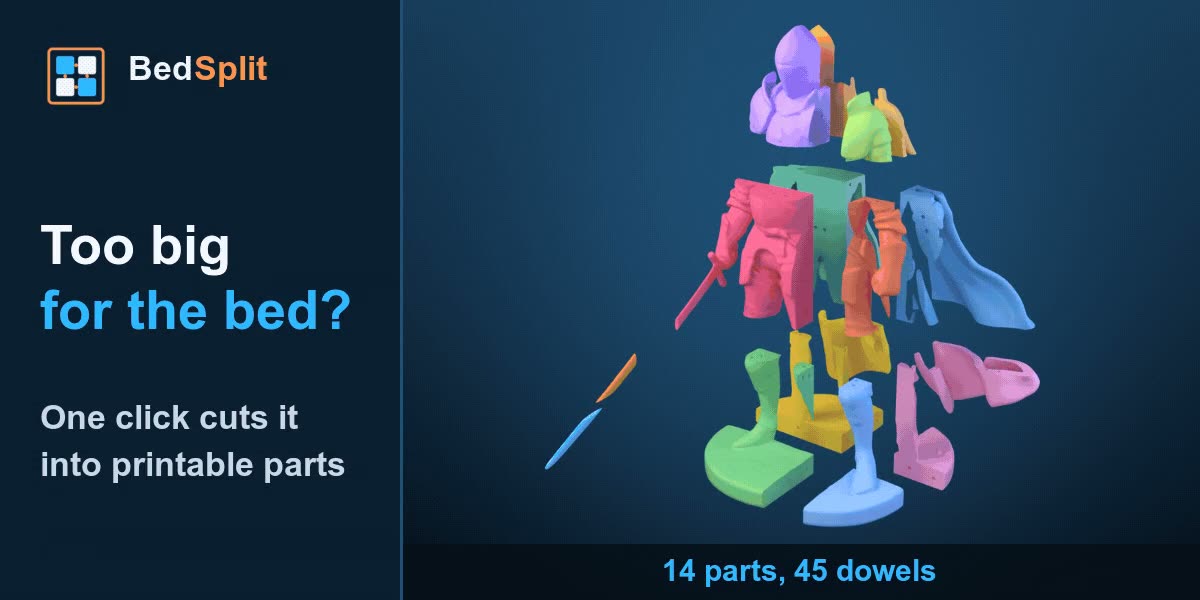
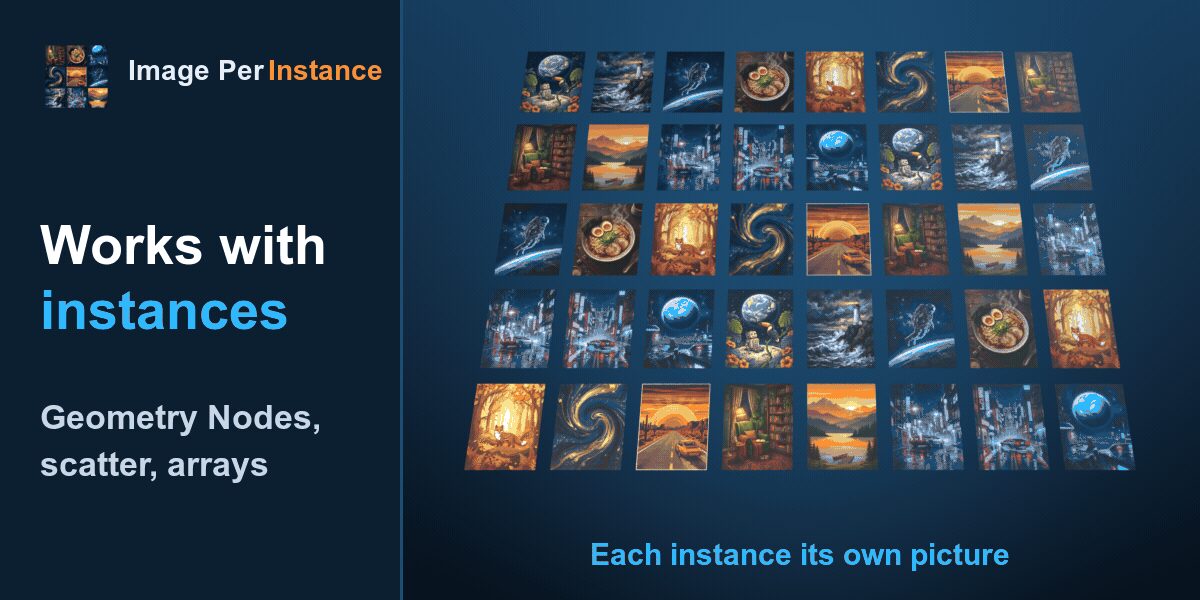
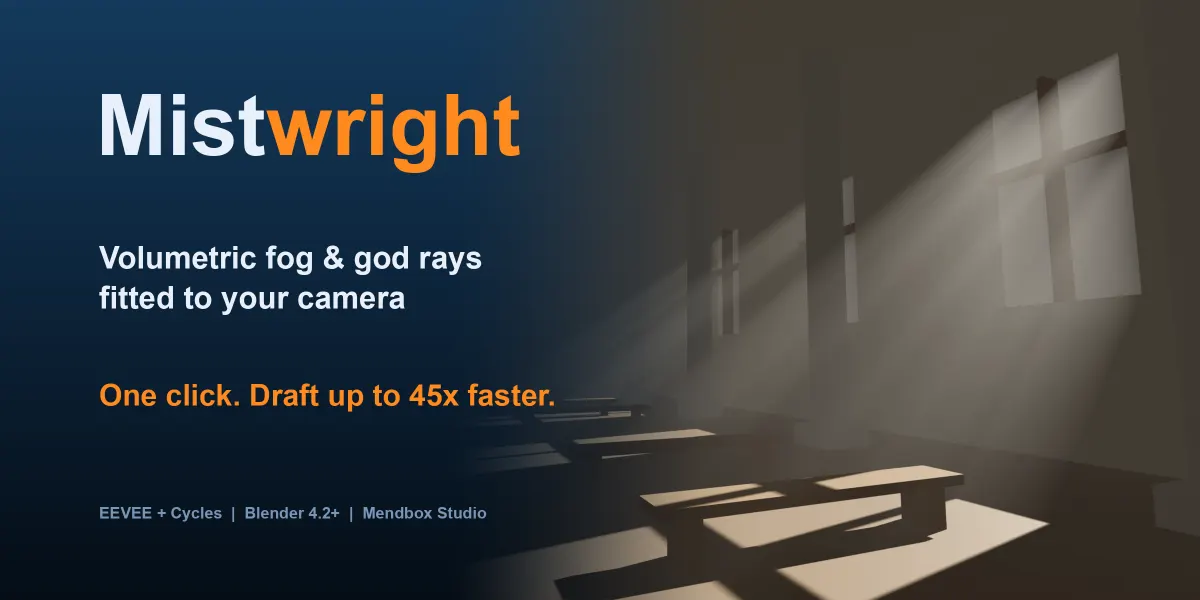
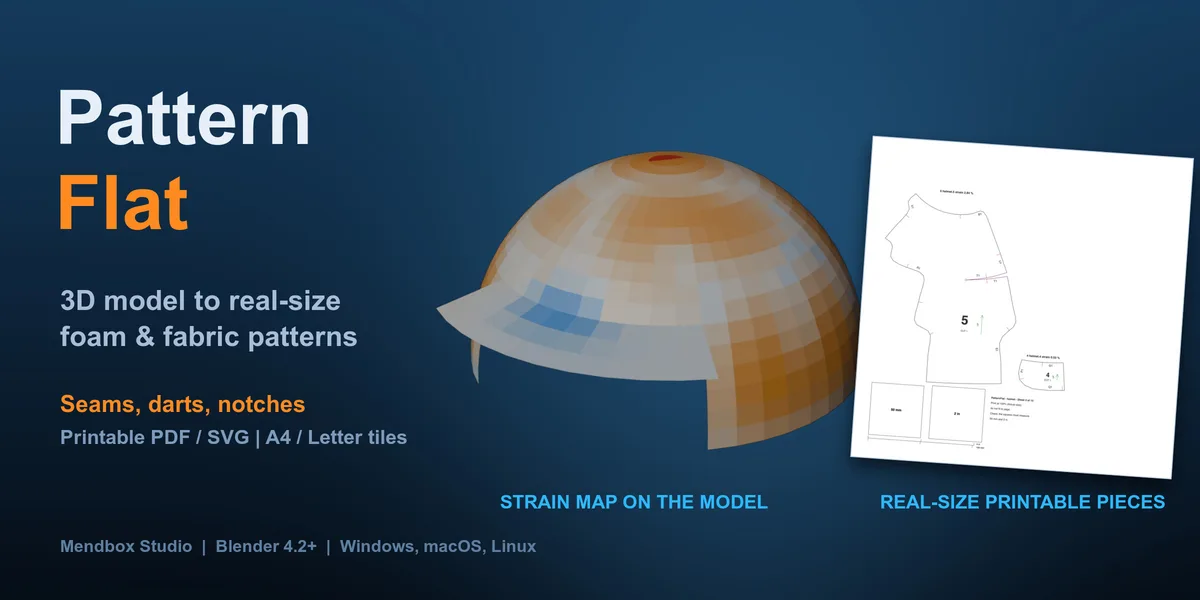
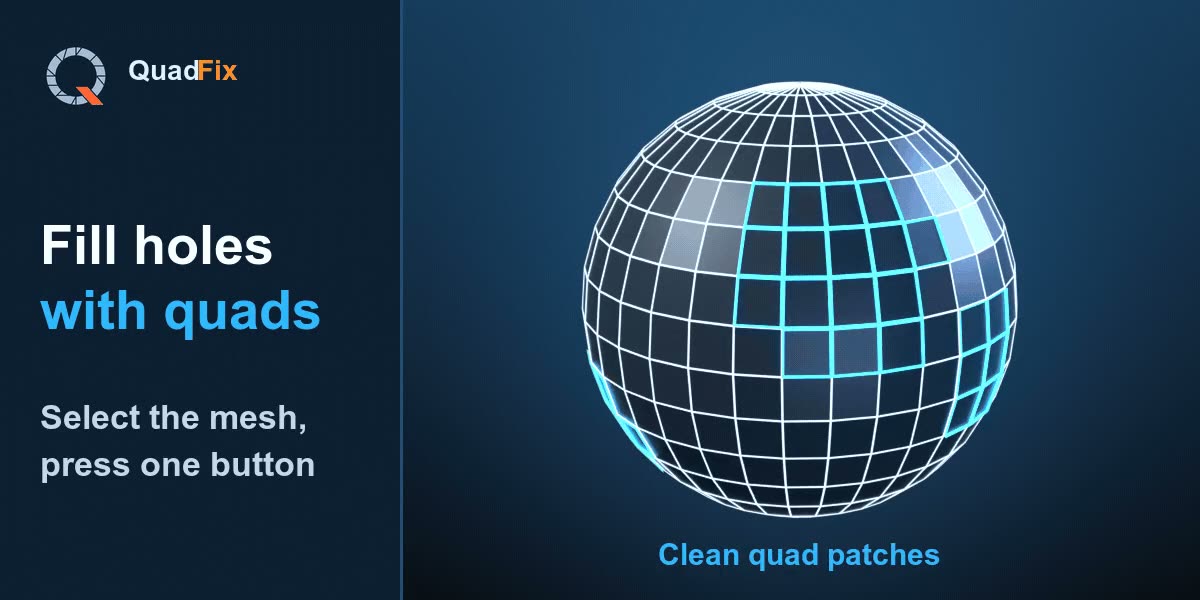
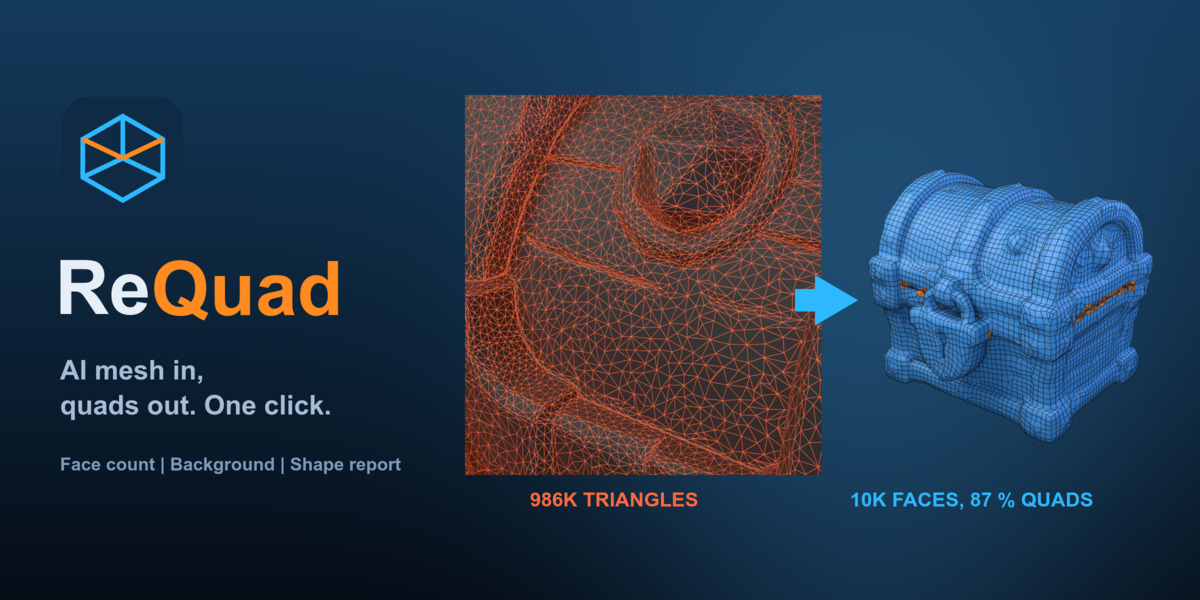
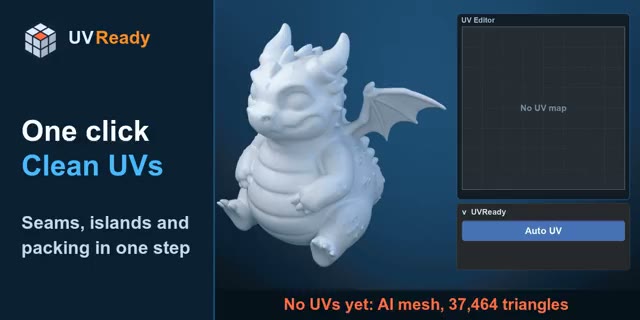
Each card above says what the free version does and what is left for the full one. The free versions are not trials: they do not expire. The Lite editions on GitHub are open source under the GPL. The full versions add the bigger jobs, such as more objects, more pieces or more settings. Each add-on page and its documentation compare the two in detail.
Questions about a free version go to [email protected], the same as for the paid ones.