
Mistwright documentation
Install Mistwright in Blender
Install Mistwright from its .zip in Blender 4.2 or newer on Windows, macOS or Linux, find the Mistwright sidebar tab, and update or remove the add-on.
Requirements, install, update, remove
Requirements
- Blender 4.2 or newer, including 5.x. Mistwright is a Blender extension (tested on Blender 4.2.23, 4.5.14 and 5.2.2).
- Windows, macOS (Apple Silicon and Intel), Linux. It is pure Python with no compiled parts. Tested on Intel Mac and Windows x64.
- No internet connection, no extra software.
- The add-on is a .zip file. Do not unzip it.
Install from the .zip
- In Blender open Edit > Preferences (on a Mac:
Cmd+,). - Click Get Extensions in the left list.
- Click the small arrow menu in the top-right corner and choose Install from Disk...
- Pick the Mistwright
.zipfile. The extension turns on. If its checkbox is not ticked, tick it.
Safari note. Safari may unpack a .zip download by itself, and then Blender has no .zip to install. Download with Chrome or Firefox, or turn off "Open safe files after downloading" in Safari's settings.
Where is the panel?
- Hover over the 3D Viewport.
- Press
Nto open the sidebar. - Click the tab Mistwright.
The panel header shows Mistwright v0.2.1.
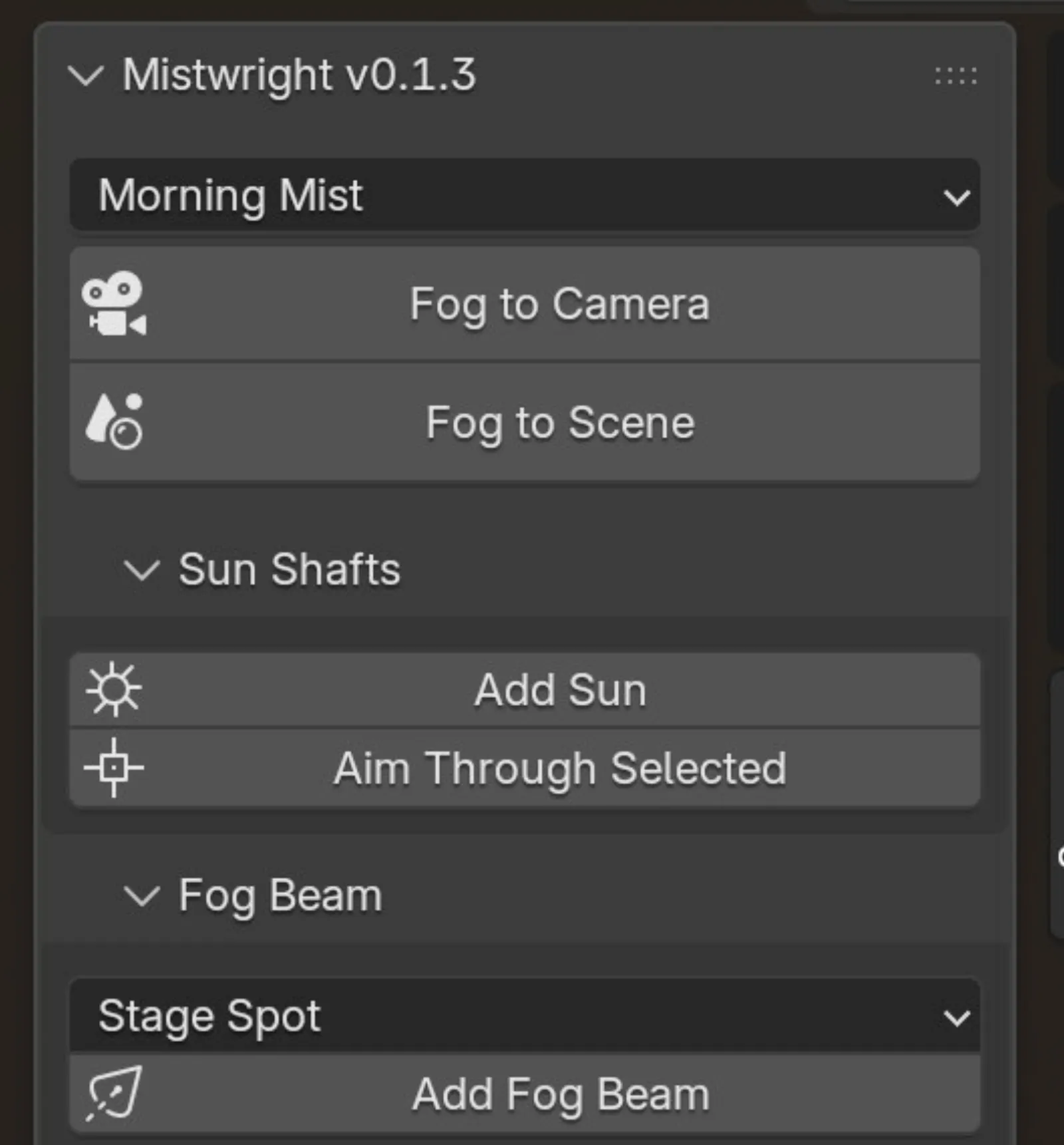
Update. Install the new .zip the same way with Install from Disk. If the version in the panel header does not change, restart Blender.
Remove the add-on. First press Remove Fog in every scene that has Mistwright fog (that also restores the render settings). Then Edit > Preferences > Get Extensions, open the arrow next to Mistwright, choose Uninstall.